
VOL. 0116:9
Hotel LobbyPlay preview
01
Hotel Lobby
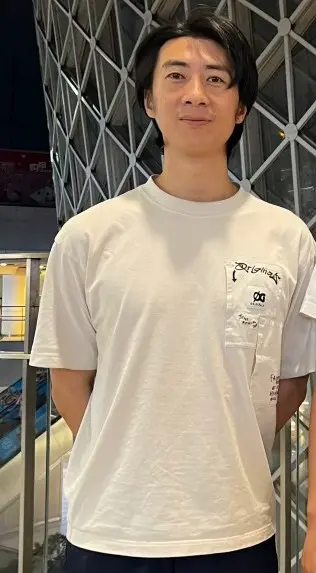
Create an orange-studio duo performance from two photos.
Two photos5 / 15 sec16:9
Explore templateCreate AI rap videos from text, with optional image, video and audio references. Describe your performance, shape the scene and generate your clip—all in your browser.
AI Rap Video Maker helps you create rap performance clips without filming a live performance or building every shot in a video editor. Start with a written idea, add references when you need more direction, and choose your generation settings.
Explore an idea freely, or use a template for a guided starting point.
You don’t need every type of input. Use a prompt on its own, or combine it with references that help communicate your idea.
Describe the performers, setting, action and camera movement to guide your AI rap video.
Add images to guide the subjects, appearance and visual style.
Use video references to communicate movement, framing or performance direction.
Add audio to help guide generation. Audio references do not guarantee unchanged music or exact lip sync.
Write what you want to see, including the performers, setting, action and camera movement.
Upload optional images, video or audio. You can also choose a template for a guided workflow.
Select the available video settings and review the credit estimate before generating.
Watch the finished clip, check the result and download the videos you want to keep.
A useful prompt describes what happens on screen. Include who is performing, where the scene takes place, how they move and how the camera follows them.
[Performer] + [Setting] + [Performance and movement] + [Camera direction] + [Visual style]
A solo rapper performs on a city rooftop at dusk, using expressive hand gestures. The camera slowly moves from a medium shot into a close-up. Realistic lighting and a cinematic visual style.
Keep the action focused and your instructions consistent. When using references, explain what each reference should guide. Results can vary between generations.
Start with a guided setup. Explore each template’s examples, input requirements and creation steps to find a starting point for your video.
Create an orange-studio duo performance from two photos.
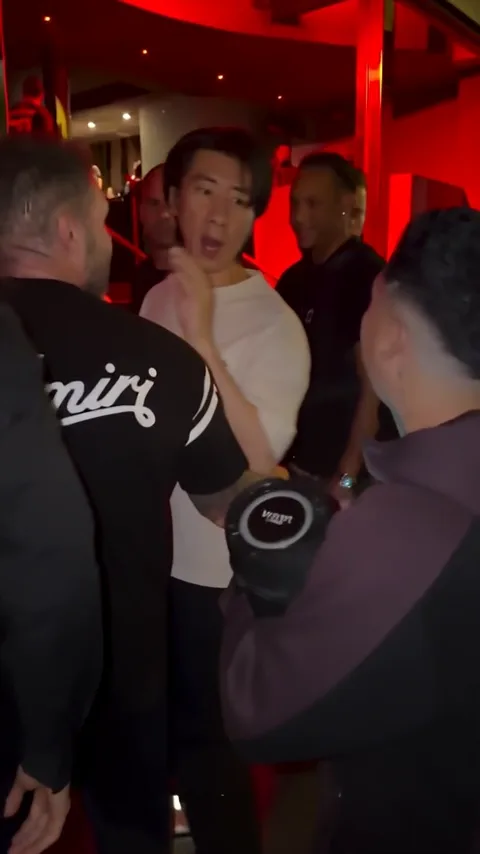
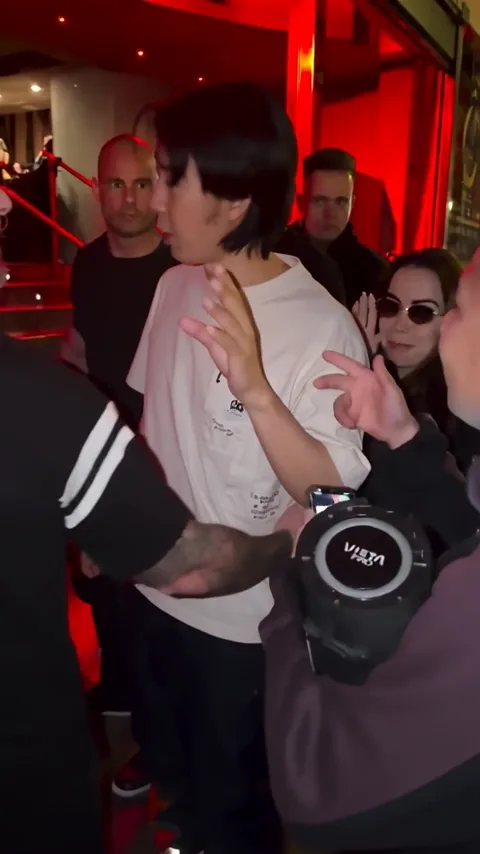
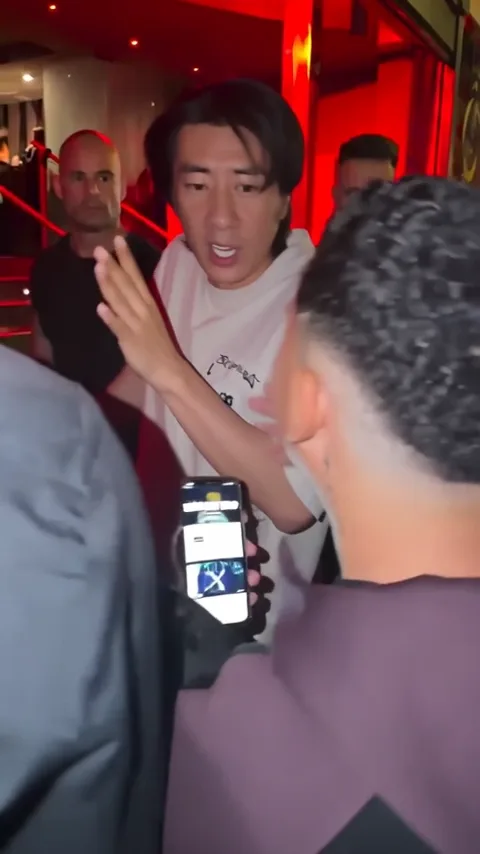
One photo becomes a vertical, red-lit performance with the Bulin 47 movements and music.
Learn what you can create, how references work and what to check before generating.
View pricingAn AI rap video maker generates video clips from creative instructions and supported references. You describe the performance and visual direction, then the model generates a result based on your inputs.
Start with a prompt, add your references and create your clip.