
Bulin 47 AI Video
Generator
Your photo. The moves. The music. Turn one portrait into a red-lit performance with the Bulin 47 AI video generator.
Create my videoCreate with Bulin 47 AI.
Upload one clear photo to the Bulin 47 AI video generator, then choose your length and resolution. The movement reference, prompt and music are already set.
Bulin 47 AI in three steps.
- 01
Choose your photo
Upload a clear portrait of one person. Your photo supplies the performer's identity; you don't need to upload the reference video.
- 02
Choose your video
Choose 5 or 15 seconds and 480p, 720p or 1080p in the Bulin 47 AI video generator. Review the credit total before you generate.
- 03
Play it. Download it.
Preview your new performance with the template's music. Download an MP4 with the soundtrack added on your device.
The movement, made yours.
The pink-shirted performer's gestures, head turns and movement rhythm guide your new video. Your photo guides the face, hairstyle and skin tone.
The template asks for one continuous shot in a red-lit indoor party, with visible eyes and no sunglasses. The scene is generated anew and the performance adapts to your chosen length.
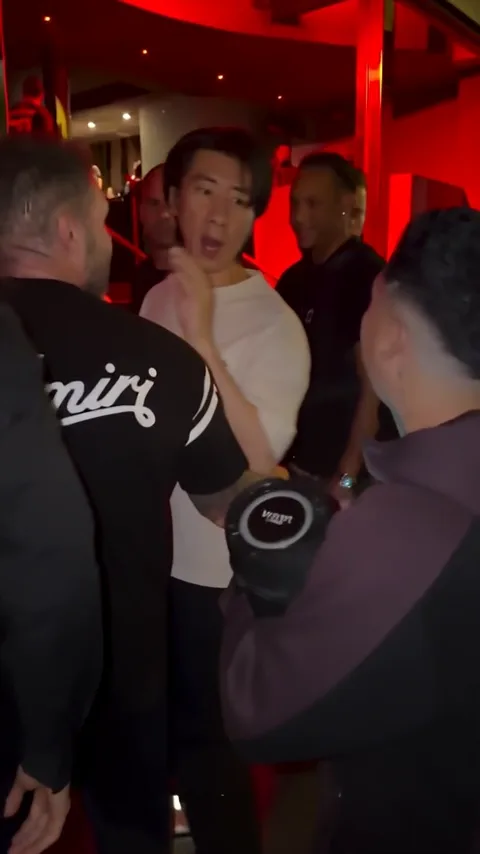
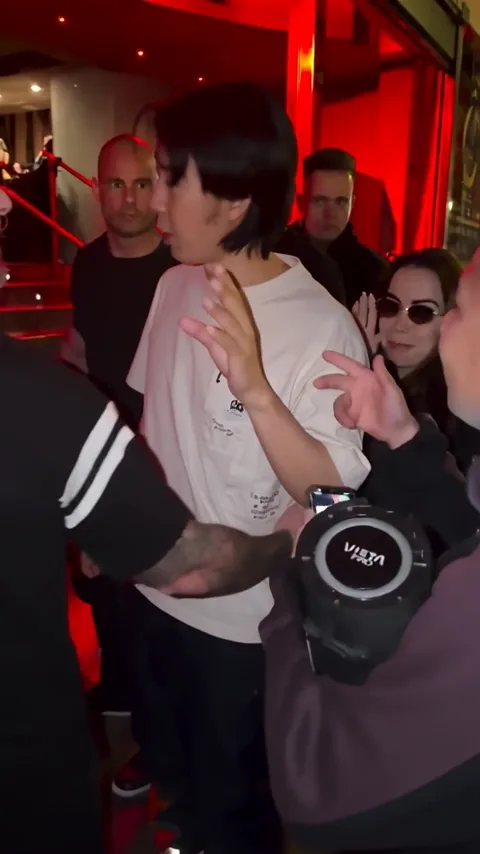
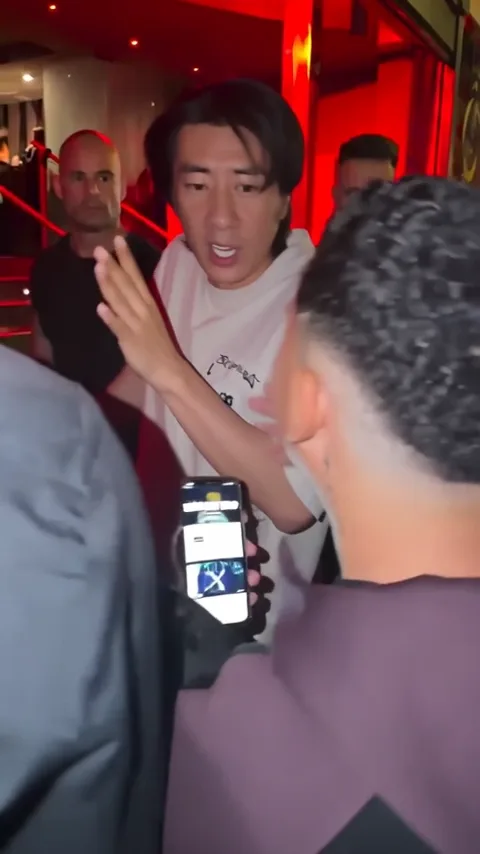
Start with a clear face.
- One person, facing the camera
- Even light and visible eyes
- A sharp image, without heavy filters
- Head and shoulders visible, with space around the face
Image width ÷ height must be between 0.4 and 2.5, with each side between 300 and 6,000 pixels. Photos outside these limits are rejected before upload.
Before you press generate.
What is the Bulin 47 AI video generator?
The Bulin 47 AI video generator turns one photo into a performance inspired by the Bulin 47 trend. A supplied movement reference guides the gestures and camera, and your photo provides the main performer's identity.
Do I need to upload a video or write a prompt?
No. Upload one photo. The template includes the prompt and automatically selects a 5-second or 15-second movement reference to match your chosen output length.
Can I choose the duration and resolution?
Yes. Choose 5 or 15 seconds, and 480p, 720p or 1080p. The video uses a vertical 9:16 format. The generator shows the credit cost for your choices before you submit.
How is the music added?
Video generation runs without audio. Preview playback pairs the result with the template soundtrack. Download adds that soundtrack to the MP4 on your device: the first 5 seconds for a 5-second video, or up to 15 seconds for a 15-second video.
Does it replace a face in the original clip?
It generates a new performance using the reference's movements, rhythm and framing. The background people and scene can differ from the original; facial identity and movement accuracy can vary between generations.
Which photo should I use?
Use a clear photo of one person with visible eyes, good lighting and no sunglasses. Use a photo you have permission to upload and animate. The upload field checks the supported file, dimensions and image ratio.